
CAPACITY
Your calendar says you are full, but you are not.
Three capacity pools in Settings. Turn on only the services your team actually offers.
By Telmo Antunes · Published August 15, 2026 · 2 min read
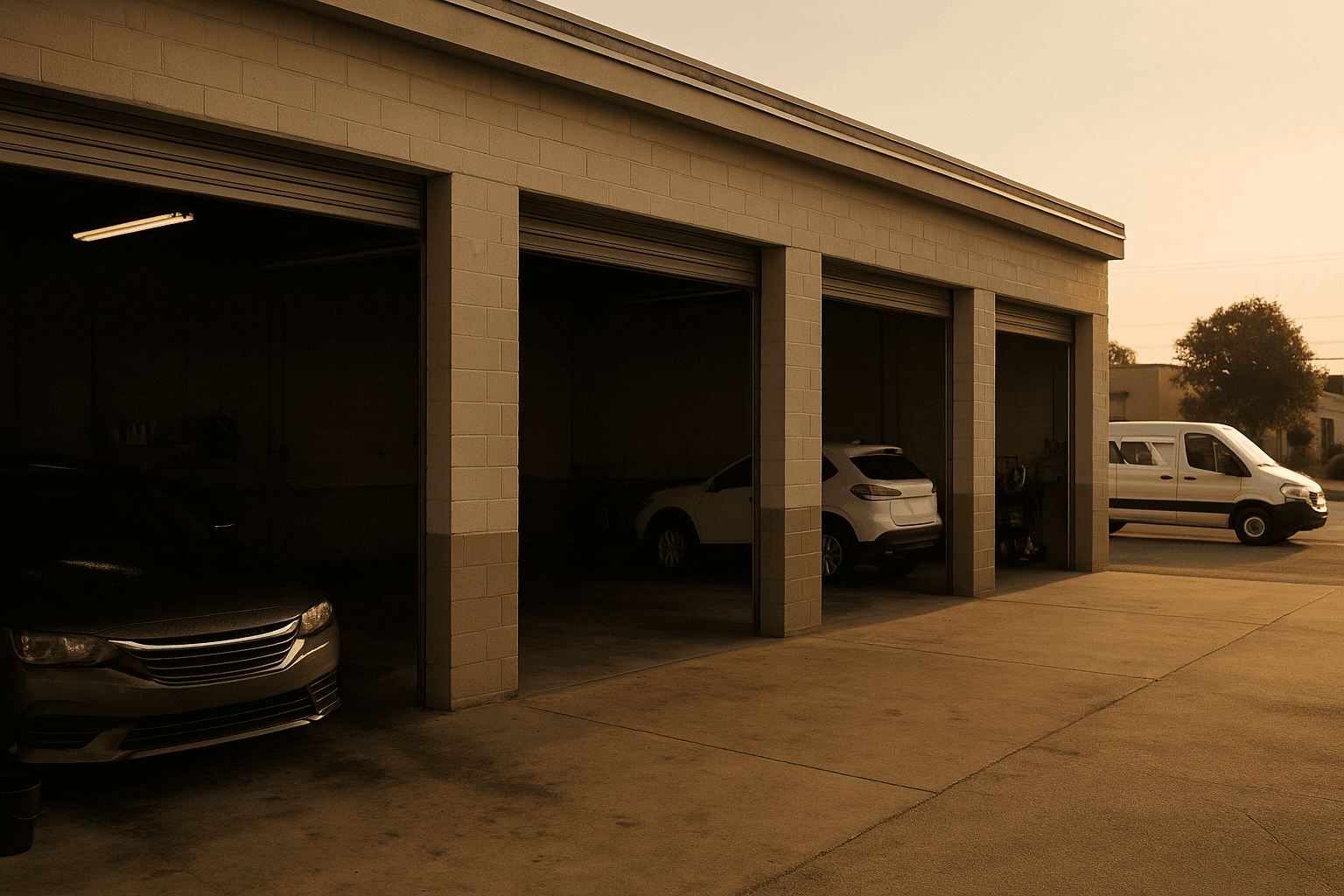
The booking page shows Saturday sold out. On Saturday, two bays sat empty.
The symptom
The page says full and the studio is not. It always happens on the same kind of day: the one with shop work and work out on the road at the same time.
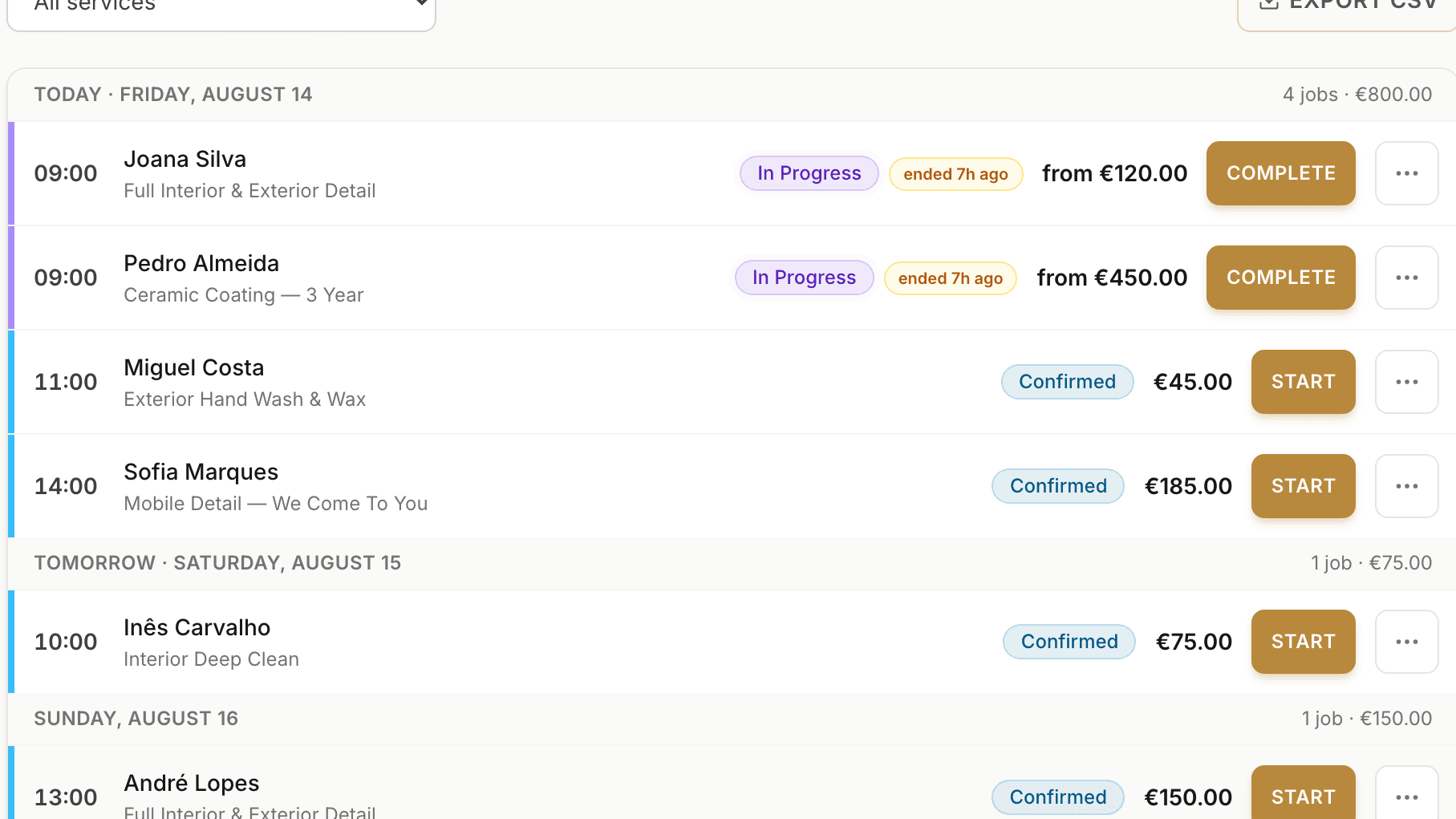
Why does it happen?
One capacity number means one queue. A van on its way to a client and a free bay in the shop compete for the same place.
Whoever books first closes the day to the other, with nothing in the studio actually occupied.
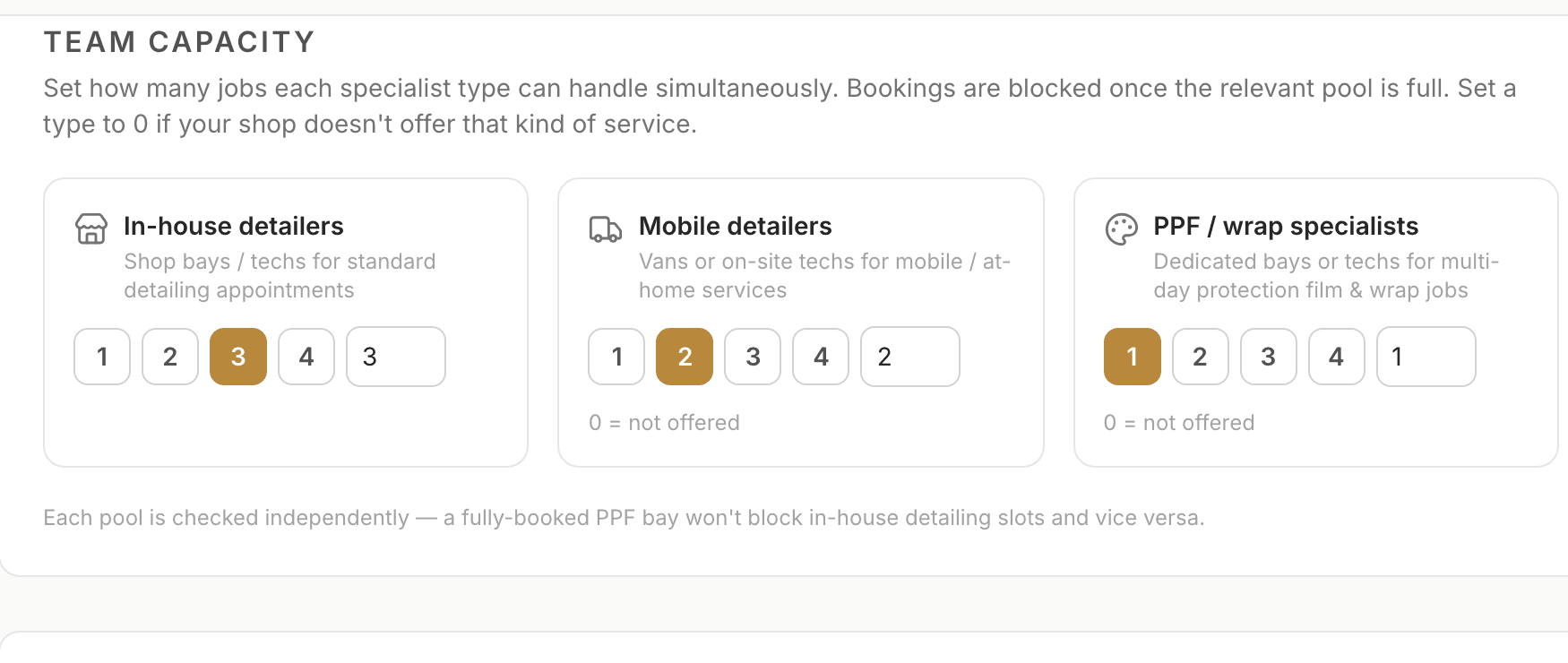
Three service types, managed separately
There are three separate service types:
- In-house — services performed at the studio
- Mobile — services performed at the client’s location
- PPF / Wrap — day-based PPF and wrap work
For each type, set how many services your qualified team can have running at the same time.
How is a service counted?
The platform sorts services automatically. A mobile service always counts as Mobile, even when it takes several days. Otherwise, day-based PPF and wrap work counts as PPF / Wrap. Everything else counts as In-house.
Start with the services you offer
By default, none of the three service types is active. A setting of 0 means that service type is not offered, so no qualified specialist is assigned to it.
How many can you take on at once?
For each service type, set the number of qualified specialists who can work on it at the same time. One slot is one specialist working on one open business day. For day-based PPF / Wrap work, every occupied business day uses one slot.
What changes once it is configured
The booking calendar now reflects the capacity your team has actually allocated, without one service type blocking another.
What this does not solve
It is not travel time. The gaps between mobile jobs are still yours to plan: the platform counts places, not kilometres.
The travel fee is a separate field, on the service itself.
This week
- Open Settings and review the three Team capacity pools
- Decide which service types your studio actually offers
- Allocate the real number of qualified specialists to each offered pool; leave unavailable services at 0
- Check next week in the calendar and confirm that availability matches your team
Bookings in, chaos out.

Telmo Antunes
detailmasters agent
I've been passionate about detailing ever since I bought my first car. After filming and photographing for some detailing studios I fell in love with the craft and dreamt of one day being able to work in that market. That's why I created Detail Masters, and that's why you can trust me to help you scale your business to the success it deserves.
Run your studio on one platform
Online bookings, customer CRM, automated follow-ups and invoicing — built for detailing studios.
Open team capacity settings