Studio management
Before sharing your studio’s booking page, see what your customer will find.
Reviewing your booking page helps you spot missing information before you send the link.
By detailmasters · Published 21 October 2026 · 1 min read
Can customers tell what they can book at your studio?
You know your services inside out. Someone opening your studio link for the first time needs to understand what is included, what it may cost and where the work takes place. A vague description or an outdated price leaves that explanation to a message exchange. In detailmasters CRM, the private preview shows your page using the details you have saved, so you can read it from the customer’s perspective.
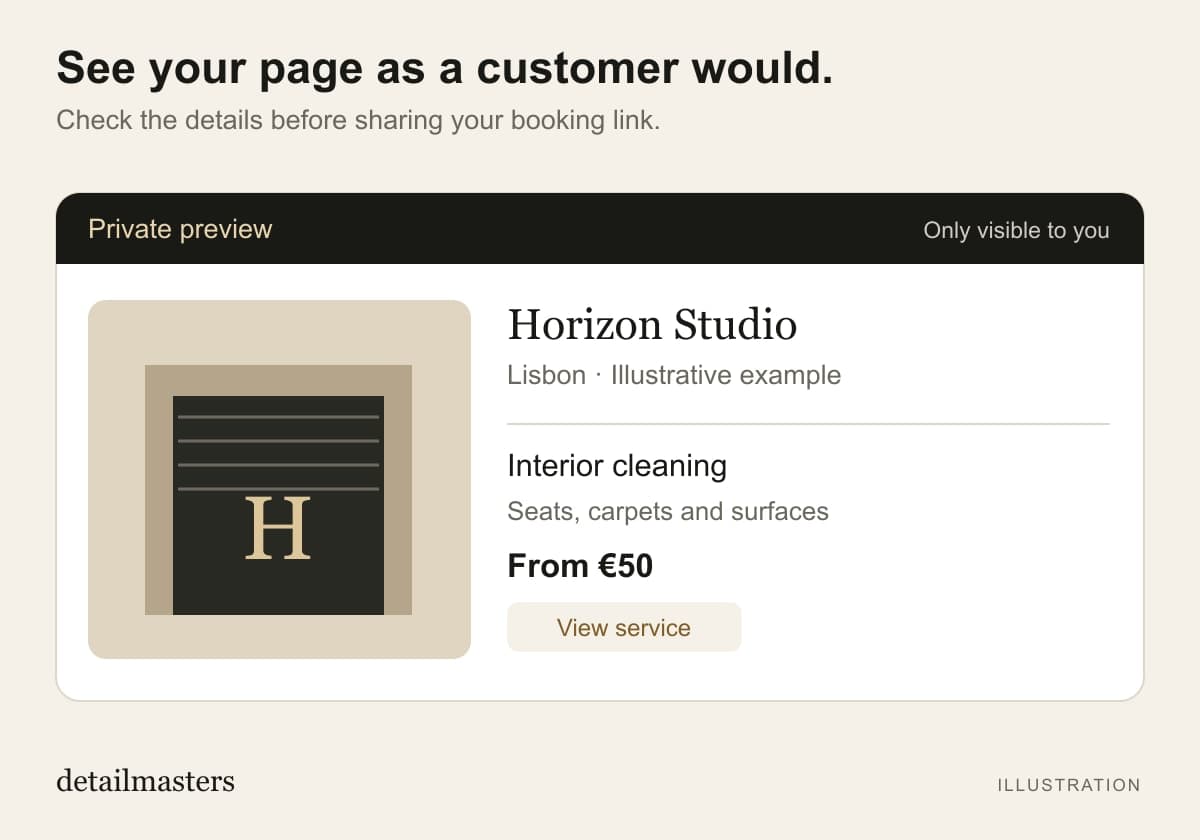
How do you open the page without making a real booking?
In the studio dashboard, open the options icon in the header and choose View as a customer. The preview is private and does not create bookings or payments. You can use it on the website and in the app. To correct information, return to the studio settings, save your changes and open the preview again.
What should you check before sharing the link?
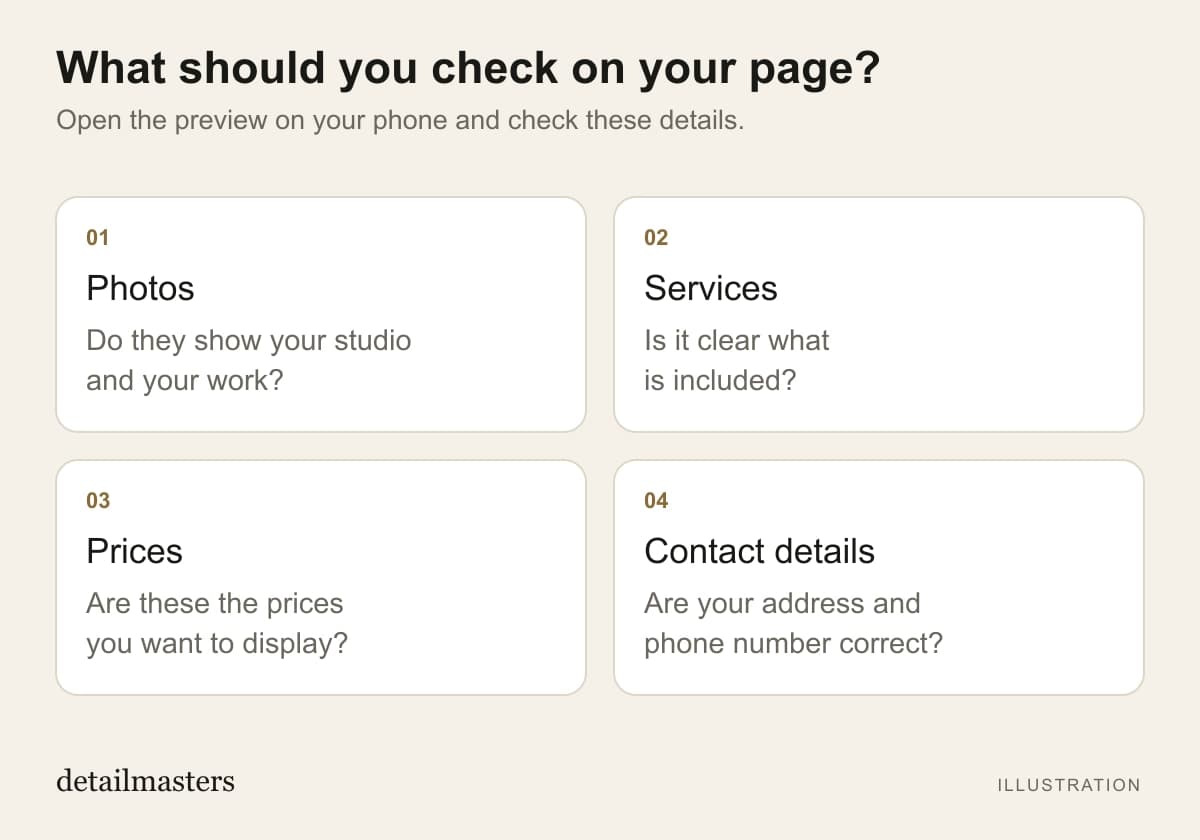
Read the page on your phone, where a customer may open the link you send. Check the points below and make sure the studio is published before sharing its public link. Opening the preview does not publish the studio.
- Do the photos represent your studio and its work?
- Do service names explain what the customer is choosing?
- Are the prices the ones you want to display?
- Are your address and contact details correct?
More time for detailing. Less time on admin.
detailmasters
Run your studio on one platform
Online bookings, customer CRM, automated follow-ups and invoicing — built for detailing studios.
Explore the booking page