detailmastersStudios
Follow-ups

AFTERCARE

The message to send after a ceramic coating

What to put in a message after handover, and how to send it from the booking itself.

By Telmo Antunes · Published August 25, 2026 · 5 min read

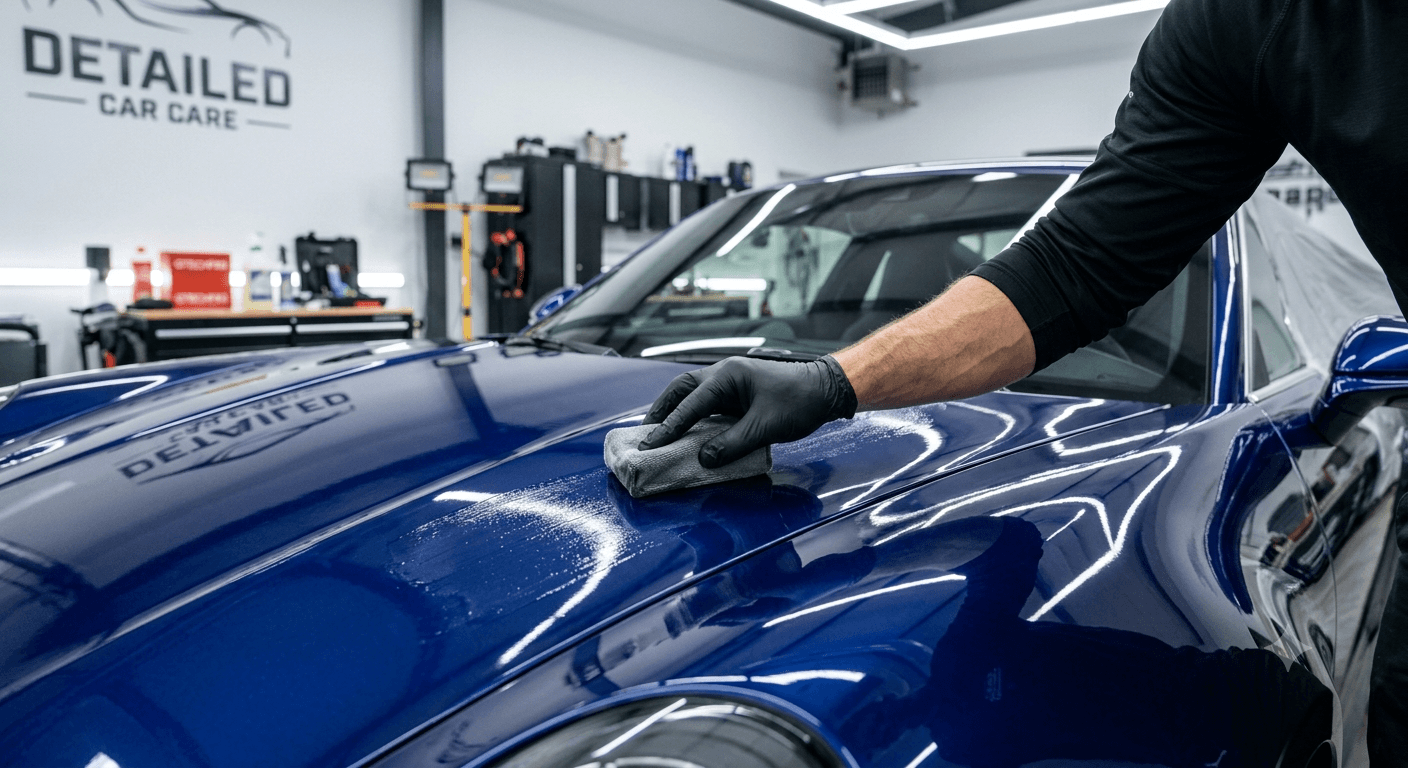
A car key and a folded microfibre cloth on a detailing studio counter, a finished car standing under the lights behind.

Most studios explain how to look after a ceramic coating while handing the keys over. The client is holding a phone, looking at their car, and thinking about the drive home. Almost nothing that gets said is recorded.

A week later the car goes through an automatic wash, still inside the curing period, and the coating is damaged. The client believes the studio is at fault, and the studio has no way to protect itself.

Why the handover conversation does not work

There are three practical problems with explaining coating care at the counter.

  • The client is distracted. They are looking at their own car, admiring the work.
  • Nothing is written down. There is no way to check a detail later.
  • There is no record. If the car comes back damaged and the client says nobody warned them, you cannot prove otherwise.

Putting the instructions in writing solves the first two problems. The third, the record, depends on where you write them.

One message, at handover

Send it while the car is still in the studio, so it arrives before the client does. It needs four things.

  • What was done. The service and the product applied, in one line.
  • The date they cannot wash it until. A real date, worked out from the cure time on your product's data sheet. Do not use a number from another brand's website: cure times vary by product and by conditions, and it is your name attached to it.
  • What not to do until then. No washing at all, not even by hand. Rain is fine. Bird droppings and tree sap must be removed immediately, and carefully.
  • How to wash it from that date on. By hand, in the shade, with a neutral shampoo, and never in an automatic wash with brushes.

Finish by inviting a reply, so they ask you rather than searching online.

How do you send it so it stays on the record?

The message can be sent from the booking itself. In the dashboard, the option in the booking menu is called Send update.

An update is free text, up to 1000 characters. It works on bookings that are already completed, so you can still use it after the client has driven away. It does not work on bookings that are cancelled or still pending.

What this gives the client. They get an email carrying your studio name, your message, and a button that opens the booking, where the service, the date and the history already are. Clients with an account also get a notification inside the platform; those without get the email, as long as there is an address on the booking. The email itself is in the client's language, but the text you write is sent exactly as you wrote it. If you serve clients from abroad, write in their language.

What this gives the studio. The message stays attached to the booking. If someone asks in three months whether the client was told about the cure, the answer is on the job and not in one person's phone. And it stops depending on whoever handed the car over that day.

Service updates and customer profiles are available from the Starter plan up.

Writing so it gets read

Four things separate the messages that get read from the ones that do not.

  • No preambles. Do not open by thanking the client for their custom. The first line decides whether the rest is read, so use it for information.
  • One date, and the rest follows from it. The message carries one instruction that depends on time: do not wash it until a given day. Everything else is there to explain that date.
  • The date written out. "Until 12 September" gets followed; "for a couple of weeks" does not.
  • A name at the end. The client left their car with a person, and a message signed by a person gets replies.

What not to put in a message after the service

  • A warranty that is not written down anywhere else. "Protected for five years" in a text message is a commitment, and it will be read back to you later. If a warranty exists, link to the document it lives in. If it does not, do not create one by accident.
  • A cure time copied from another product. The number on another brand's page applies to that brand's product, not to the one you applied.
  • A promotion. Once the message tries to sell something, it stops being part of the service, and it gets ignored.

A template to adapt, and where to keep it

Change what is in brackets and nothing else.

Car's ready: [service] done.
Do not wash the car until [date] — not even by hand. Rain is fine; tree sap or bird droppings have to be removed as quickly as possible, but with non-abrasive products.

From that date you can wash it: by hand, in the shade, with a neutral shampoo. Always avoid automatic washes with brushes — how to look after the coating: [link]

Any questions, reply to this message. — [name]

Keep the template somewhere the whole team can reach: a shared document, or a note on the front-desk phone. If it sits with one person, it does not get sent when they are away.

What turns the template into the right message is the record for that specific car: which product went on, the date the cure ends, and what was agreed at handover. That lives in the customer's profile, in private notes, next to their booking history. Only the studio sees them, never the client.

The detailmasters CRM customer profile: the studio’s private notes beside the client’s booking history.
Notes live per car — which product went on, and when the cure ends.

Bookings in. Chaos out.

Telmo Antunes

detailmasters agent

I've been passionate about detailing ever since I bought my first car. After filming and photographing for some detailing studios I fell in love with the craft and dreamt of one day being able to work in that market. That's why I created Detail Masters, and that's why you can trust me to help you scale your business to the success it deserves.

Run your studio on one platform

Online bookings, customer CRM, automated follow-ups and invoicing — built for detailing studios.

See detailmasters CRM
Share:WhatsAppFacebook

detailmasters

Get the next one

New posts on detailing technique, product picks and running a studio. No filler, and only when there is something worth reading.

One click to unsubscribe, any time.

Keep reading