detailmasters
Running your studio

BOOKINGS

How to add the bookings that come in through WhatsApp and Instagram to detailmasters

A job agreed in a conversation takes up the workshop like any other. Writing it down takes a minute — and that is what puts it on the calendar, in the client's history and into the month's figures.

By Telmo Antunes · Published September 17, 2026 · 5 min read

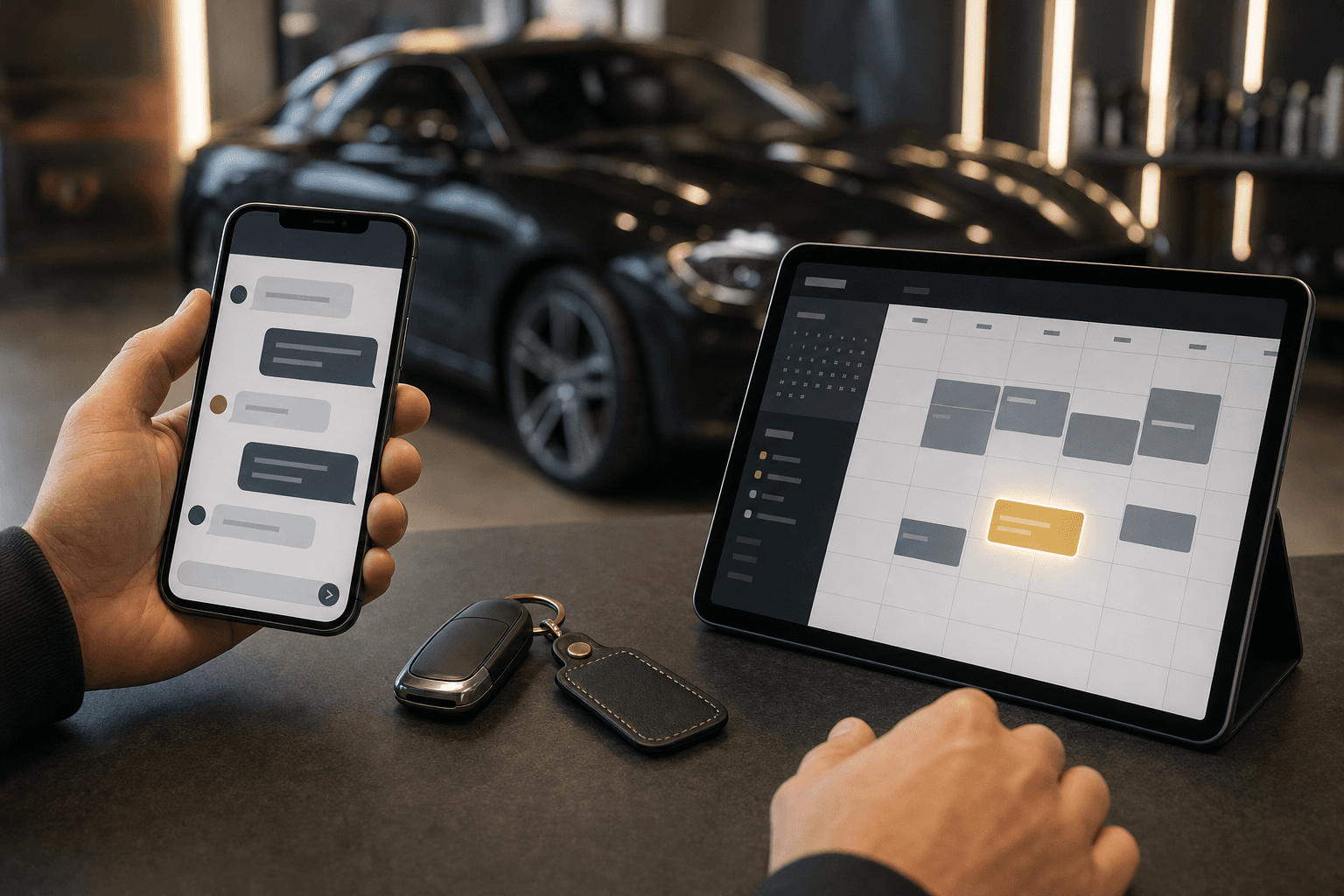
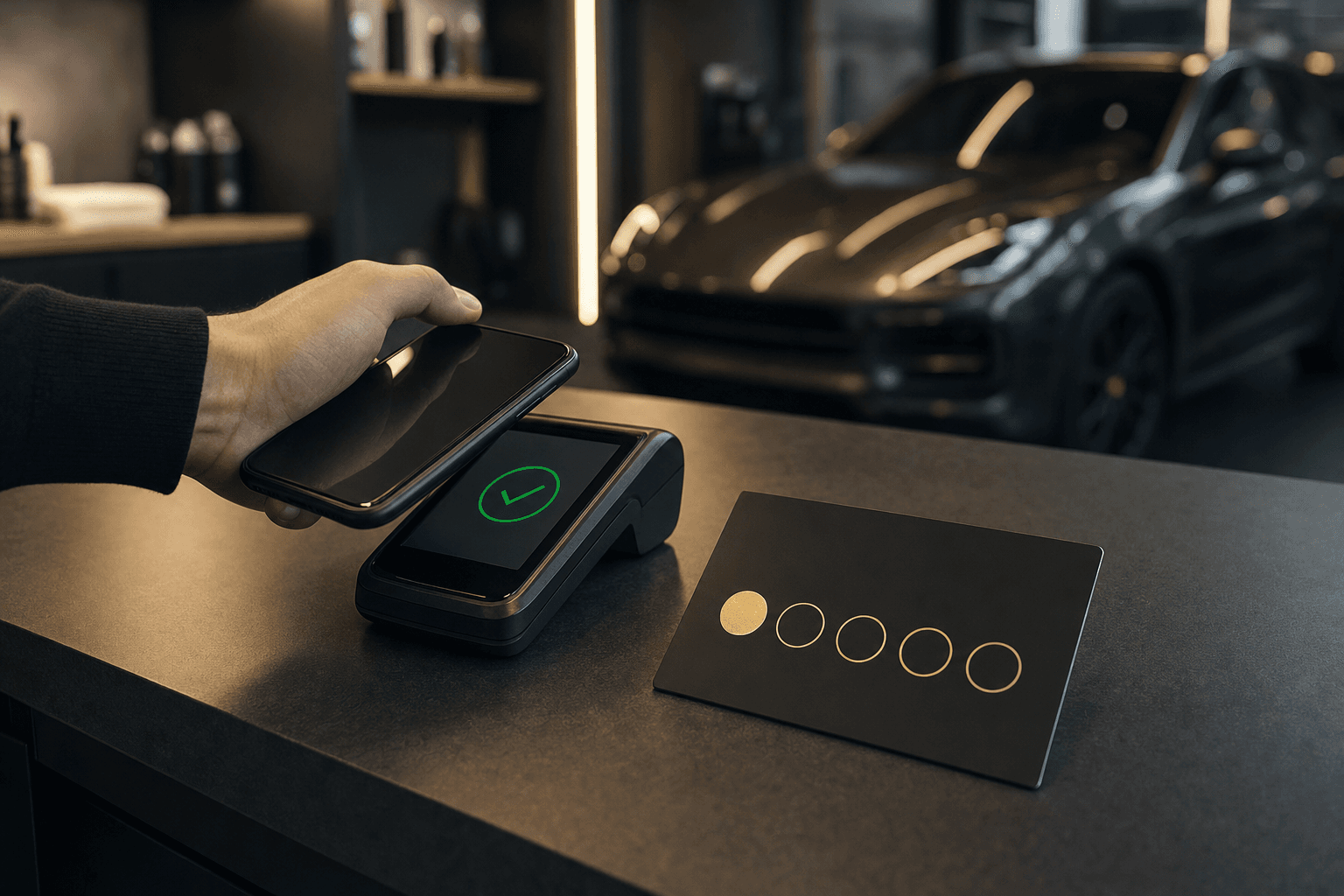
A detailing studio's front counter late in the day: a notepad with two lines written on it, a set of car keys and a phone. Behind it, out of focus, a car in the bay.

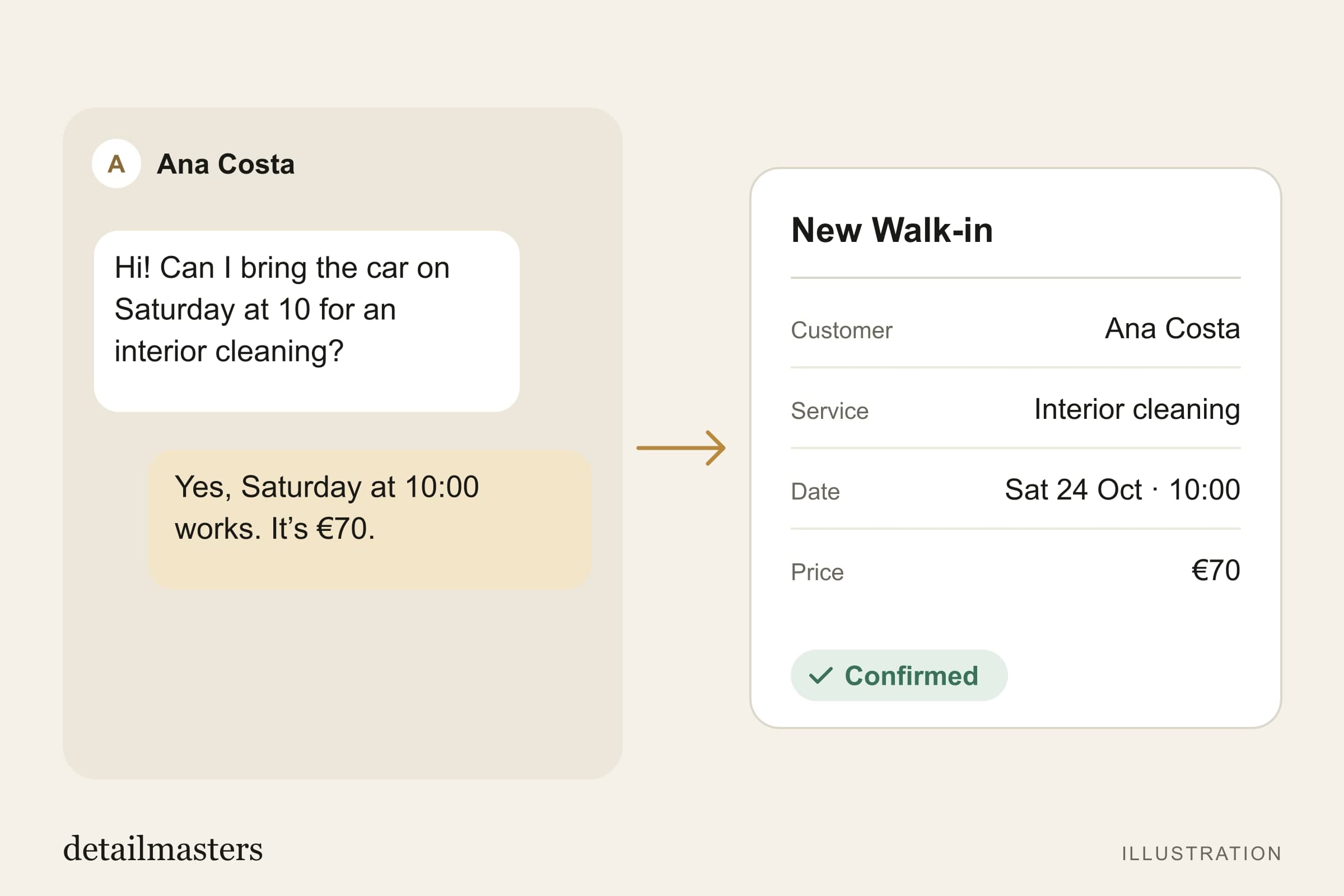
A client messages you on Instagram asking whether there is room on Saturday. Or on WhatsApp, with a photo of the bonnet. Or they phone. Or they turn up at the door with the car already outside.

That is how most of a studio's work gets agreed, and it is not a fault waiting to be fixed — it is how a studio with a name in the area works.

What changes is where that work is written down. Agreed in a conversation and jotted in a notebook, it takes up the workshop exactly like any other job, but it is not on the calendar, it does not join the client's history and it does not count towards what you invoiced this month. The walk-in booking is how you put it in the same place as everything else — and it takes less time than writing the reply to the message.

What a walk-in booking is

It is a booking the studio creates on the client's behalf, from the admin dashboard, under Bookings → New.

Unlike a booking the client makes, this one is born confirmed and priced. There is no request waiting to be accepted and no figure to agree later: you pick the service, the time, and you write what that job costs. It is settled the moment the car comes in.

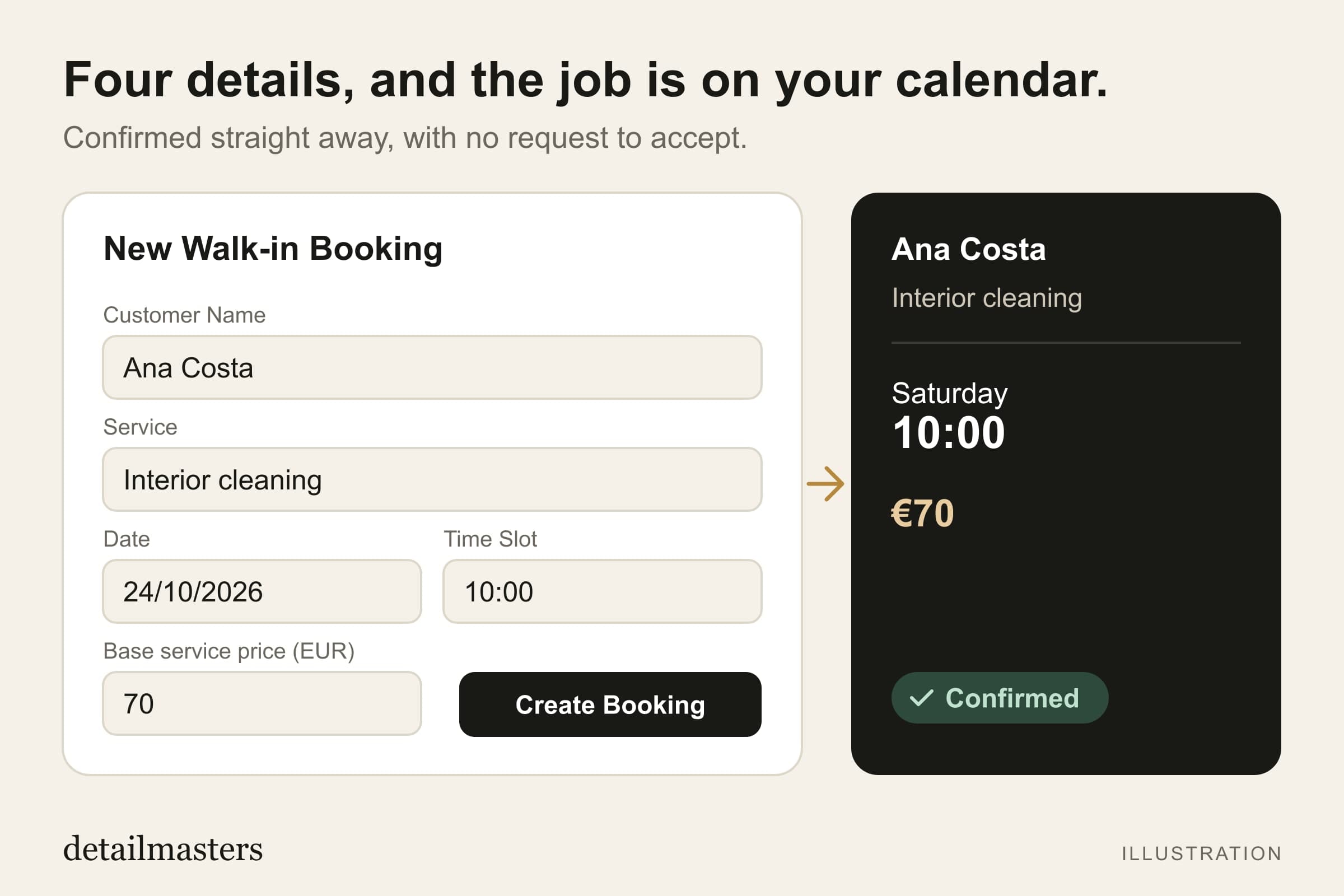
It needs very little: a name, the service, the day and time, and the price. If the client is already on your list, you choose them and the booking joins their history. If it is the first time, you write the name and the contact, and they appear under Customers — with a badge saying they came from you and not from the platform, and with their history starting at that booking.

The walk-in booking form, with the service chosen and the vehicle section below it.
You pick the service, the day and the time. The rest of the form follows the service you chose.

What a walk-in booking is for, in practice

Three things, and none of them depends on clients reaching you through us.

  • There is one calendar, not two. A walk-in takes the slot exactly like any other booking. If you filled Thursday morning with a job agreed over the phone, Thursday morning stops being free — in the calendar you look at and on the page the client sees. The day on the screen is the day the workshop actually has.
  • The job stays on the client's record. Not on a sheet at the side. The same record, the same history, for the same client who might come back in six months — and it is that history that answers for you when you want to know who has been in, how often, and paying what.
  • What you charged stays on the booking. The agreed figure is recorded there and not in the head of whoever took the car. At the end of the month, what you invoiced is right there, job by job.

When you would make a walk-in booking

For most studios, the walk-in is not the exception — it is how nearly every booking starts. In practice:

  • A message on Instagram or WhatsApp, and the conversation ends with a day and a time agreed.
  • The phone rings, you agree, they hang up.
  • The client turns up unannounced and the workshop has a free bay to take them now.
  • It is a regular who is never going to use the studio's public page — and does not need to.

Underneath it is always the same situation: the car is going to occupy the workshop. Where the booking was agreed changes nothing about that.

And if no client ever comes from detailmasters?

It still pays off, and it is how most studios begin.

What the system gives you does not depend on where the client came from: the calendar with all the work in it, the history of everyone who has been in, prices by vehicle size, the figure recorded against each job, and the confirmation that goes out to the client as soon as the booking is created.

The studio's public page is one more door for work to come through, not the reason to use the system. If that page does bring you clients one day, they arrive in the same calendar, with nothing to reconfigure.

The studio decides the price

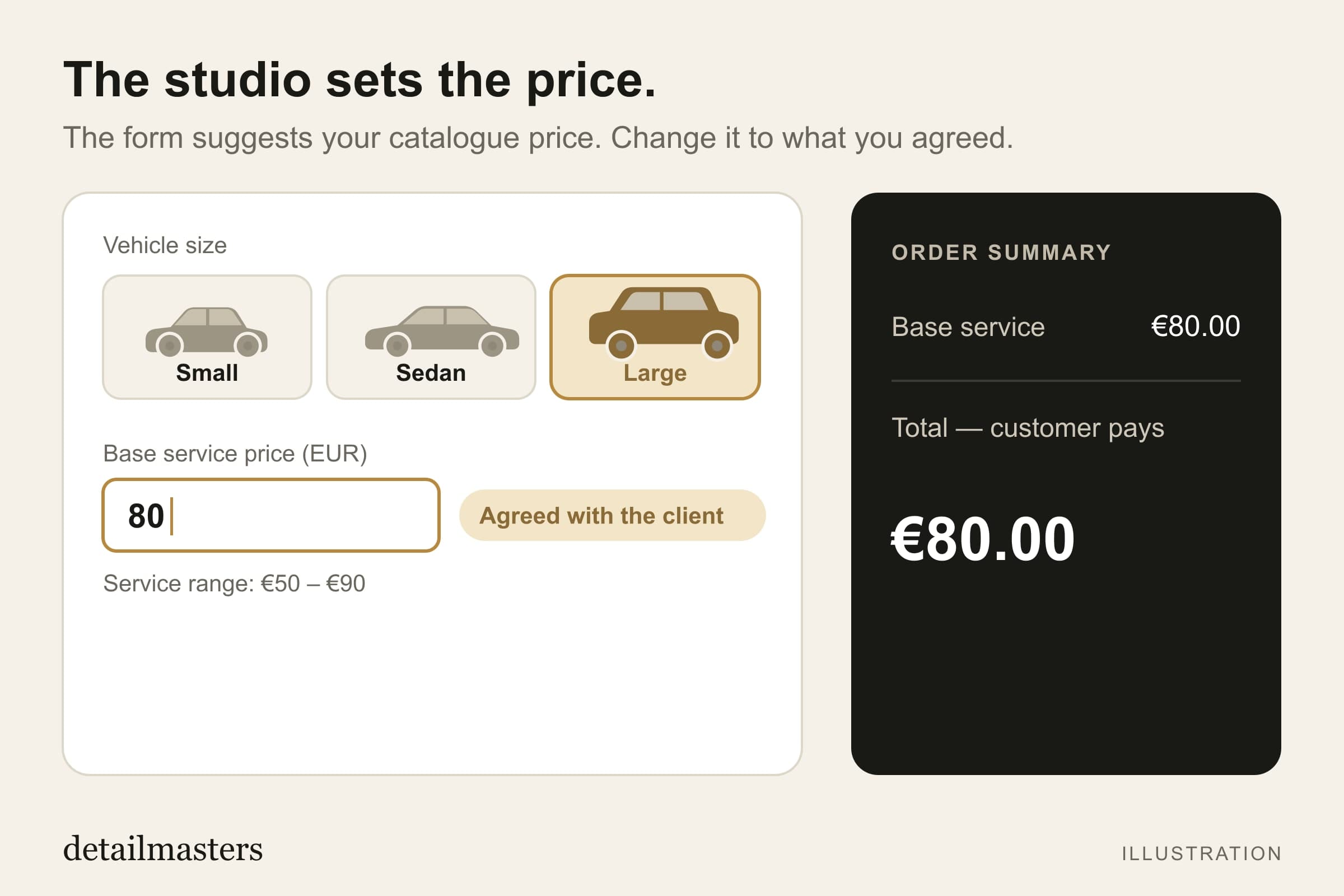
The form starts by suggesting the figure you have in your catalogue for that service, and you can replace it with what you agreed with the client. What gets agreed at the counter is rarely exactly the list price.

And if the job is on the house? Write 0 as the price, and it is recorded as a freebie.

What the form will not save is a booking with no price at all: if the field is left empty and the service has no catalogue price to fall back on, it refuses. A 0 you wrote is a decision you made; a blank field is a job nobody can explain at the end of the month.

What changed this month in the walk-in booking

This month the walk-in booking gained the piece it was missing: it now knows which car is outside.

  • The form now asks for the vehicle size, on services and extras charged by tier — the same question the client's checkout has always asked. Until now it always suggested the smallest tier, whatever the car. With a seven-seater, that was tens of euros short, by default.
  • The History tab, under Bookings, shows the jobs already completed with the figure recorded against each one. That is where you compare with what you charged before.
The vehicle-size picker with Large chosen: the base price becomes €650 and the service range €650–€750.
The same picker with Large: €650 instead of the sedan's €550. The starting figure moves with the car.

Telmo Antunes

detailmasters agent

I've been passionate about detailing ever since I bought my first car. After filming and photographing for some detailing studios I fell in love with the craft and dreamt of one day being able to work in that market. That's why I created Detail Masters, and that's why you can trust me to help you scale your business to the success it deserves.

Run your studio on one platform

Online bookings, customer CRM, automated follow-ups and invoicing — built for detailing studios.

See detailmasters CRM

Share:WhatsAppFacebook

detailmasters

Get the next one

New posts on detailing technique, product picks and running a studio. No filler, and only when there is something worth reading.

One click to unsubscribe, any time.

Keep reading