Everyday studio work
A customer says I scratched their car. What should I do?
When a customer says their vehicle was scratched during a service, the studio needs to establish what records exist of the car's condition on arrival. detailmasters lets the team photograph damage before starting and save the images in the booking, so both the detailer and the customer can consult them if a question arises.
By Equipa detailmasters · Published 25 October 2026 · 2 min read
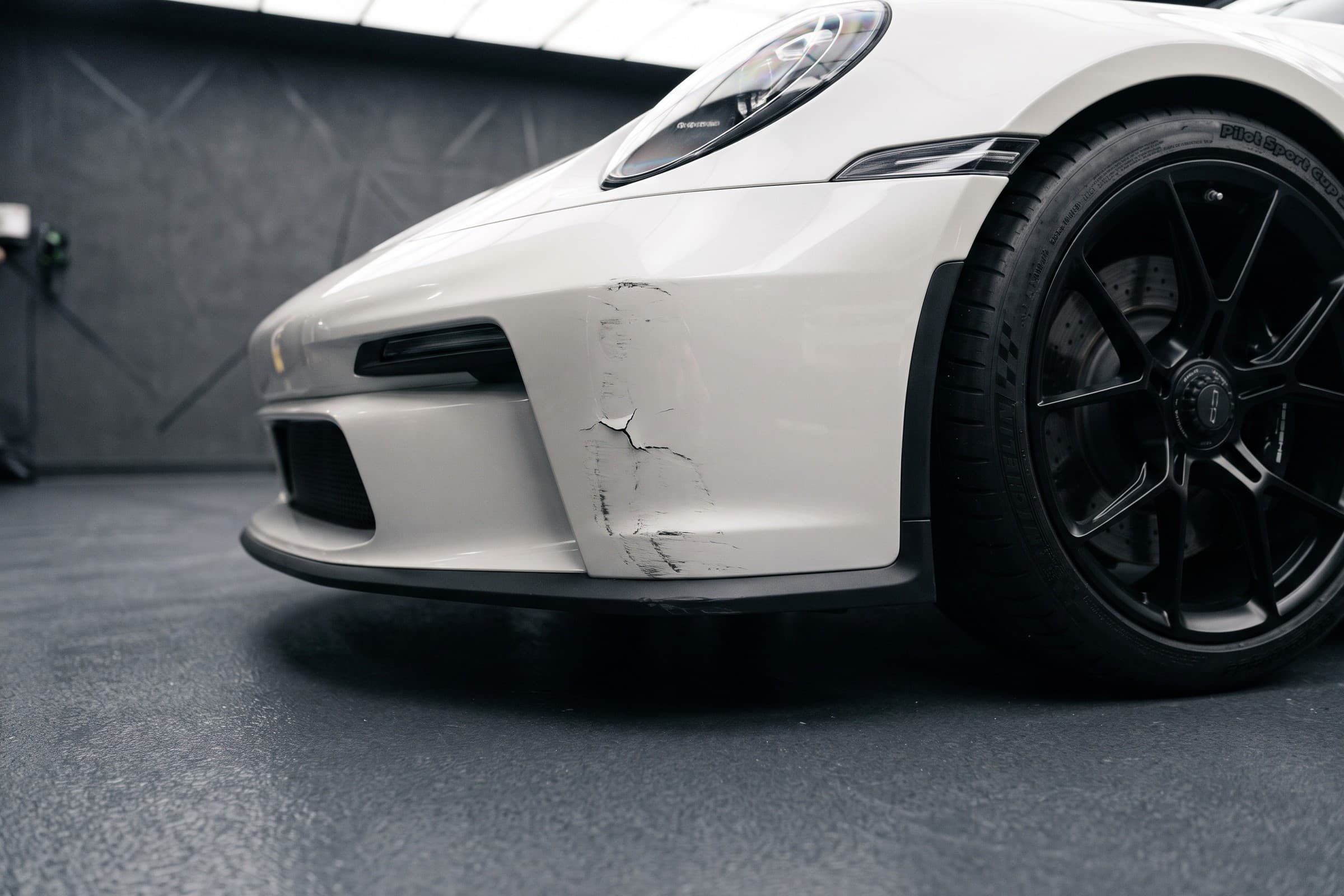
Start by understanding what the customer is showing you
Ask the customer to identify where they found the scratch and confirm with the team which services were carried out during that visit. If the car has already left the studio, ask for photos showing the damage and its location. These images document its current condition; to compare it with the car at check-in, you need the records made before work began.
What to check in the booking
- In detailmasters CRM, open the booking for the visit in question and confirm the customer, vehicle and requested services. If the customer has several cars, check which one was at the studio so you do not compare the damage with photos of another vehicle or visit.
- Go to Photos → Damage and look for images of the area the customer has identified. This category lets the team save damage observed before the service. Compare a wider image showing its location on the car with one showing the scratch or crack in detail.
- Show the customer the available images and explain what can be seen in them. If the area was not photographed or the image does not show the damage clearly, say so. The record helps clarify the discussion, but it does not replace assessing what still needs to be established.
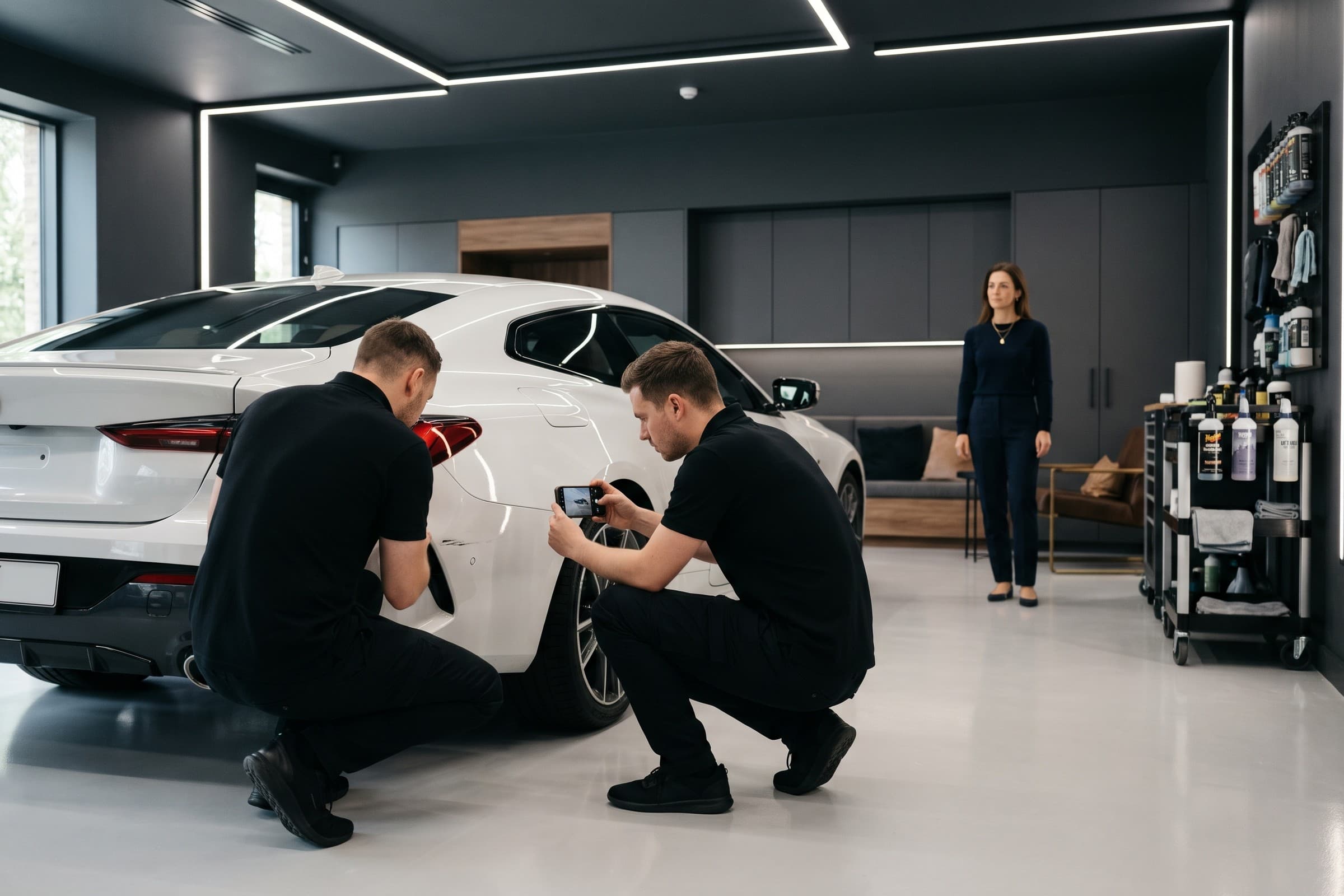
How detailmasters helps record damage on arrival
- The studio owner or an authorised employee can open the booking in the detailmasters mobile app and go to Photos → Damage. From there, they can use the phone camera or choose images from the gallery, keeping the photos associated with the visit they are preparing.
- Before starting the service, photograph the affected area from a distance and close up. Check the sharpness and confirm that the images have been saved to the correct booking. This check-in record is what the team can return to when it needs to clarify the vehicle's condition.
- Show the customer the damage observed at check-in. Customers can also view the photos in their booking, without relying on an image stored only on an employee's phone. The person handing the car back will have access to the same records.
- At the end of the service, save photos of the result in the After category. Keeping arrival damage images in Damage lets the team distinguish what it observed before the work from the result photographed after completion.
Make this record part of your studio's routine
The detailmasters photo feature is available from the Starter plan. By including it in check-in routines, studios keep images linked to the booking and available to the team and customer. Photos document the condition observed; on their own, they do not determine who caused damage.
Equipa detailmasters
Run your studio on one platform
Online bookings, customer CRM, automated follow-ups and invoicing — built for detailing studios.
Explore damage records in detailmasters