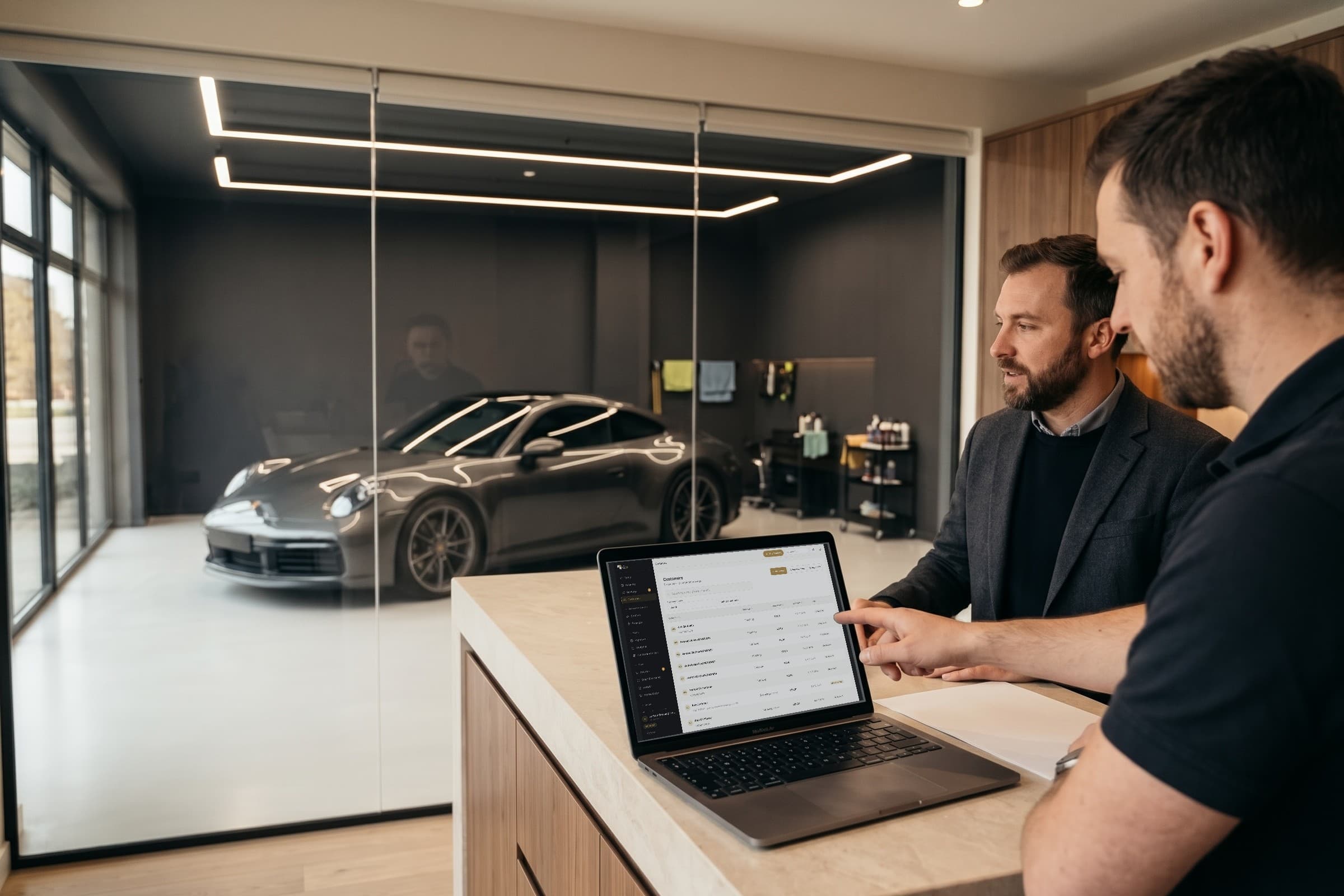
Everyday studio work
7 tips for managing your car detailing studio better
Running a car detailing studio means following customer requests, preparing services and distributing the tasks that keep the business working. These seven tips explain how to use detailmasters to organise that work, from preparing the schedule to recording payments and completed tasks at the end of the day.
By Equipa detailmasters · Published 25 October 2026 · 2 min read
Give the team the information it needs to work
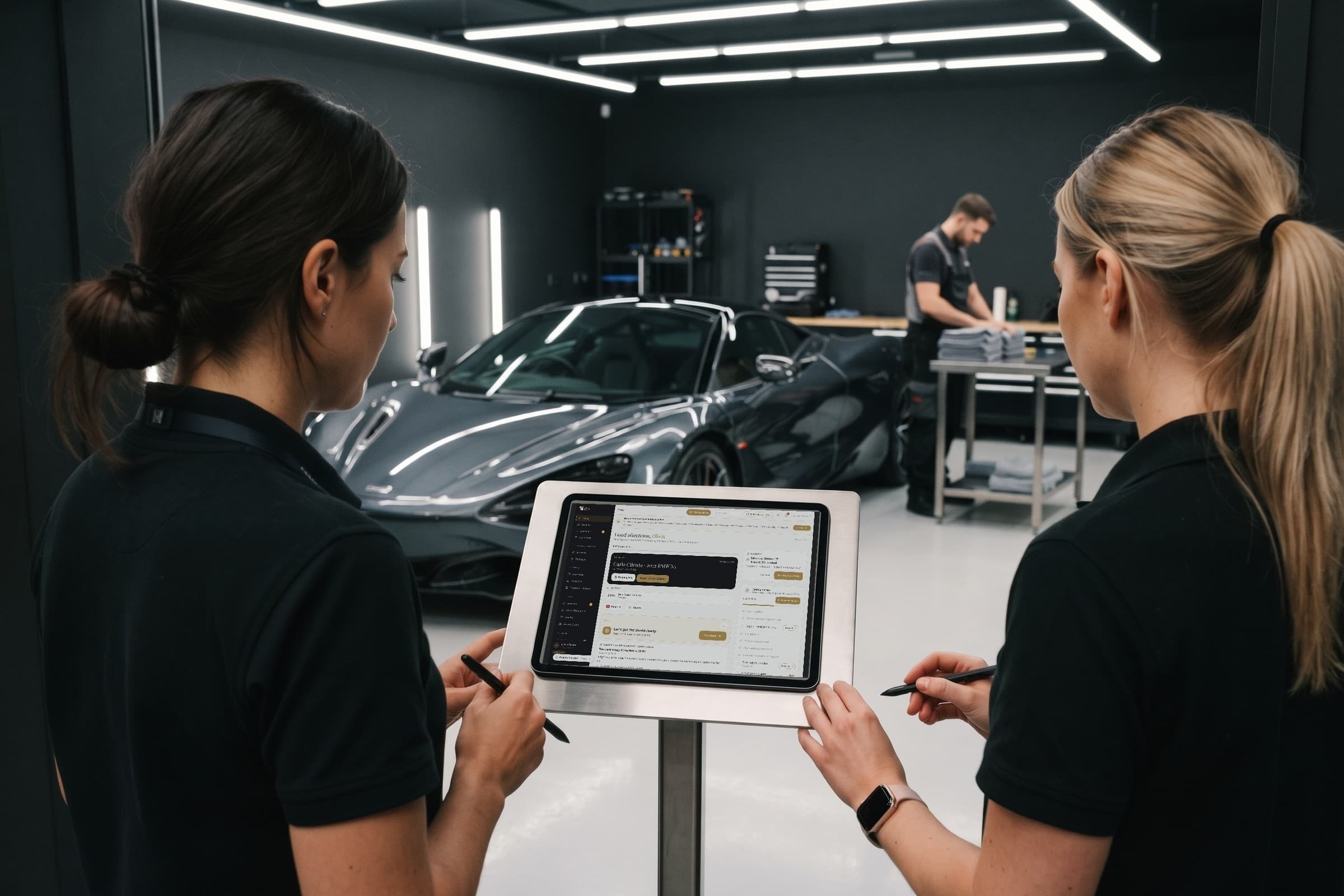
detailmasters CRM is management software designed for detailing studios. The studio owner can configure services and create team tasks; detailers can check customer requests, update jobs and save records for each visit. The assistant highlights situations that need attention, while internal reminders help track tasks with a date and an assigned person.
Four things to organise before work begins
- Prepare the day using bookings and the assistant. Check the requested services, vehicles and expected time for each visit, including extras. The assistant highlights unanswered requests and services about to start, helping the person in charge identify what to confirm before distributing work across the team.
- Give each task an owner. In Reminders, the studio owner can describe what needs doing, choose a date and select a person under Assigned to. Add enough information to carry out the task, such as the address where an order needs collecting.
- Schedule product and equipment checks. Repeat lets you remind the team at your chosen frequency; Useful link can hold the supplier's page. The assigned employee checks supplies and decides what needs buying, using the reminder to organise that routine.
- Record damage before the service. A detailer can open the booking in the mobile app and photograph the vehicle under Photos → Damage. Confirm that the images are saved to the correct visit and show the customer what you observed. The photos remain available to the customer and team.
Three things to check during services and at closing time
- Update the booking when work starts and finishes. The detailer records these changes in detailmasters so colleagues can distinguish vehicles awaiting service, those being worked on and those ready to leave. Whoever speaks to the customer can check the status recorded by the team.
- Check History before contacting the customer. The booking brings together communications tracked by the product, with the content and status available. This lets a colleague understand what has already been communicated; a message marked as sent does not confirm it was read, and personal WhatsApp conversations are not imported automatically.
- Close the day with up-to-date records. Confirm which services have finished and which payments were actually received, then update the relevant bookings. In internal reminders, mark completed tasks and reschedule unfinished ones so the team knows what still needs attention.
Start with the tasks already in front of you
Choose one of today's bookings and one task from your notebook. Check the customer's request in detailmasters and create a reminder with a date and an assigned person. The team can follow records on the web and in iOS and Android apps; then add a routine for photographing damage on arrival, according to the features in your chosen plan.
Equipa detailmasters
Run your studio on one platform
Online bookings, customer CRM, automated follow-ups and invoicing — built for detailing studios.
Organise your day with detailmasters CRM