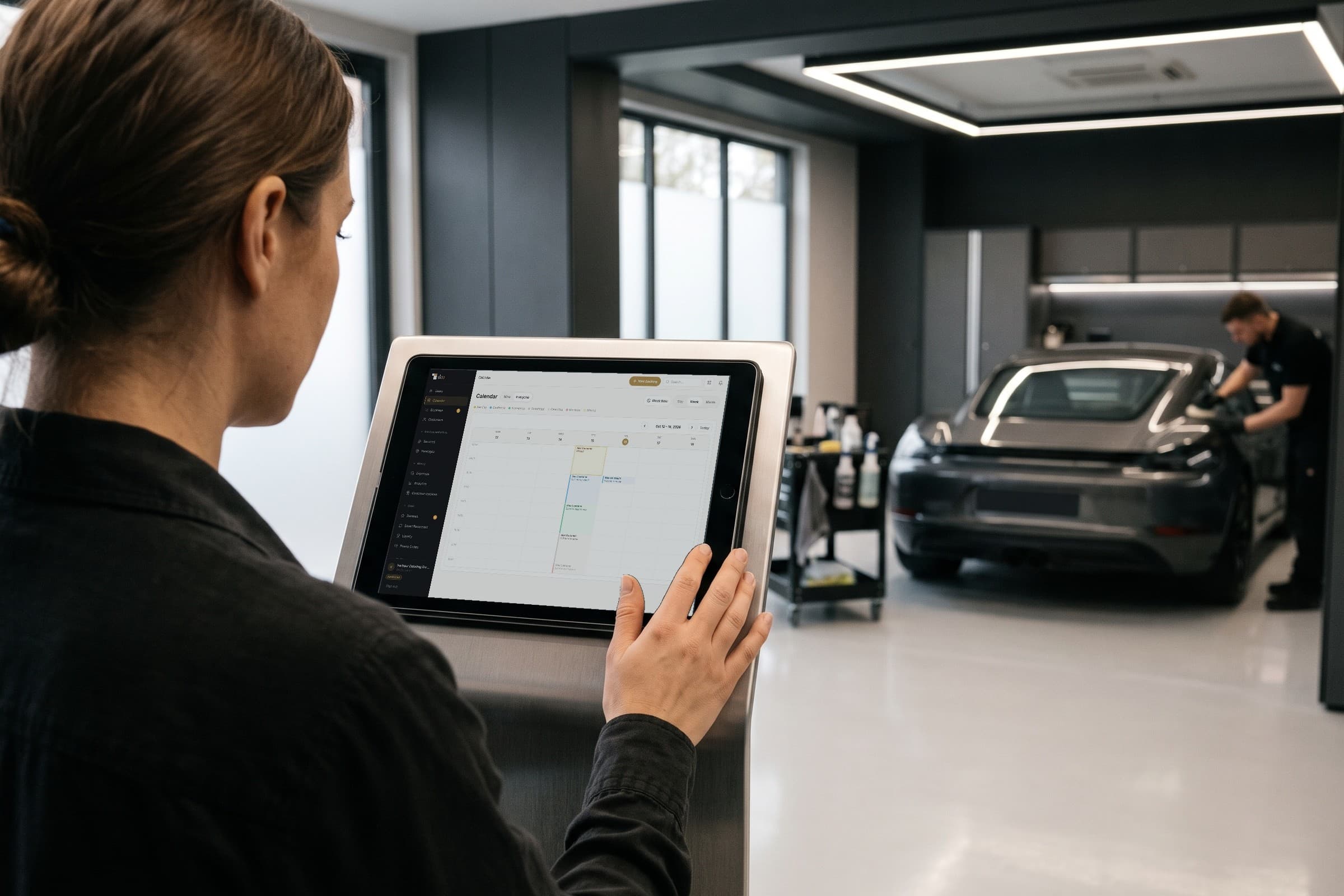
Everyday studio work
Upselling for detailers: how to suggest services that make sense for the customer
A customer booking an exterior wash may also need a glass treatment, but can only choose that care if they understand what it includes and what it adds to the request. detailmasters lets studios present services and extras within the same booking process, with an estimated price and duration for the selected work.
By Equipa detailmasters · Published 25 October 2026 · 2 min read

Explain the additional work before suggesting it
In car detailing, upselling aims to increase the value of the customer's chosen service by suggesting a more comprehensive option or complementary care. detailmasters CRM lets studios configure these extras and present them on their booking page. Customers can explore the offer and add the work they need, while the team receives the selection associated with the same visit.
How the studio prepares extra services
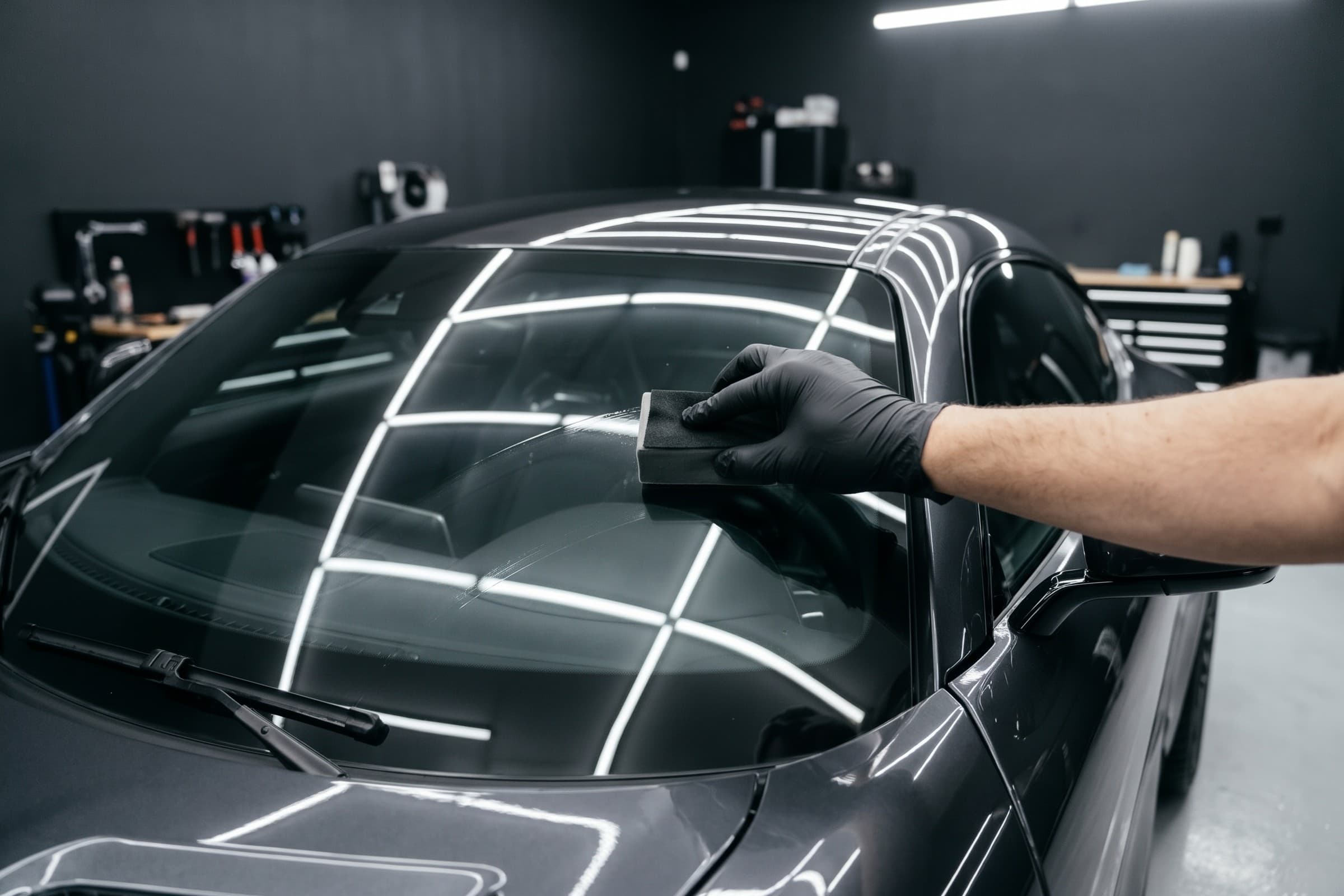
- Start by giving the extra a name and description that explain the work. For a glass treatment, for example, state what the team will apply and to which areas. Also check whether that treatment is already part of the main service, so the customer understands exactly what they are adding.
- Configure the extra's price and duration in detailmasters. The system uses the values set by the studio to calculate the total work selected in the booking. When pricing depends on the vehicle, also review your vehicle-size prices so the summary matches the customer's selection.
- If the service has a price range or requires a quote, explain which conditions affect the final amount. Customers should understand the estimate before submitting their request, and detailers should allow enough time for both the main service and selected extras.
How the customer chooses and the team receives the request
- On the studio page, the customer chooses a main service and can add the extras they want. During booking, they identify the vehicle and view a summary with the price and duration calculated for their selection. The team receives this information in the booking instead of having to reconstruct the request from separate messages.
- If the customer changes the main service, the extras remain selected. They can also book only extras when that is the work they need. detailmasters supports that request without adding a main service the customer does not want.
- The detailer opens the booking to confirm all requested work and prepare the necessary materials. At the end, the colleague handing the vehicle back can consult the same selection and explain the completed services, including the additions chosen during booking.
Present an offer customers can choose for themselves
Prepare a regular service and an extra that makes sense for the vehicles you work on. Go through the studio page as a customer and check that the descriptions explain the work and that the summary shows the expected amounts. detailmasters makes choosing extras part of the booking process; the studio's role is to define a clear offer suited to its customers' needs.
Equipa detailmasters
Run your studio on one platform
Online bookings, customer CRM, automated follow-ups and invoicing — built for detailing studios.
Present services and extras in detailmasters