Studio management
If the size of the car changes the work, your service price should explain that.
Show prices by vehicle size, price ranges or services priced on request on your studio page.
By detailmasters · Published 21 October 2026 · 1 min read
Does one price explain the work you will do?
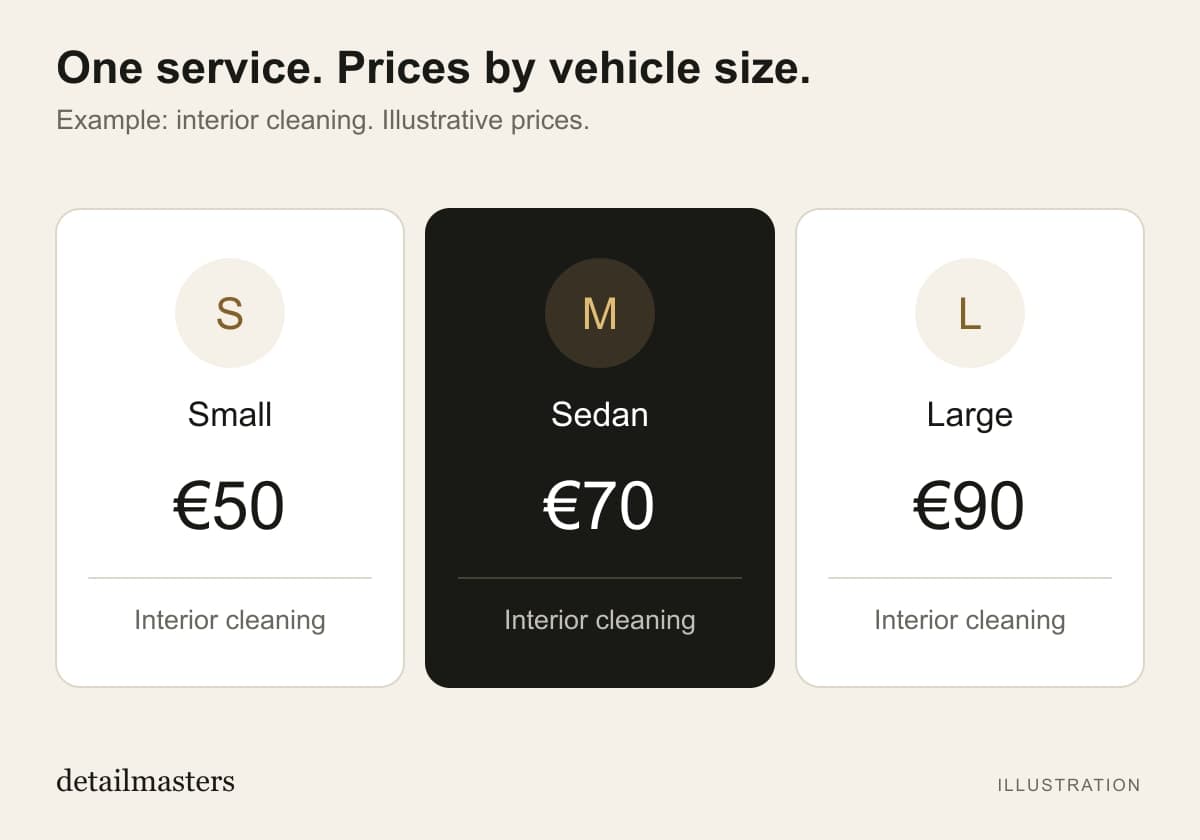
If you charge different amounts to clean a small car and an SUV, showing just one price on your studio page can create the wrong expectation. The customer sees one amount; the quote they receive later is different. In detailmasters CRM, you can set prices by vehicle size so that this difference is visible when customers choose a service.
How do you show services with variable prices?
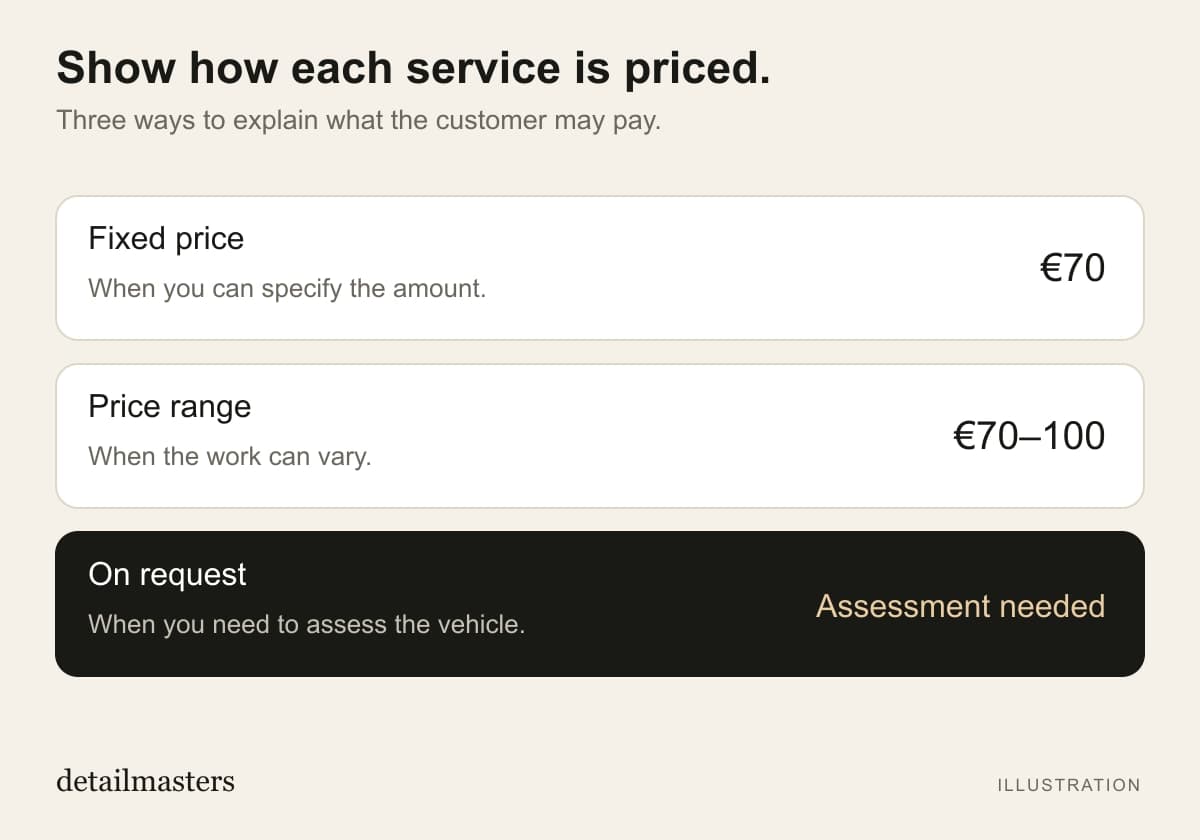
When setting up a service, use pricing by vehicle size to define amounts for Small, Sedan and Large. You can enter a fixed amount or a range. Before the customer chooses a size, the page shows a starting price; after selection, it shows the corresponding amount or range. When you need to assess the vehicle before quoting, you can list the service as priced on request.
What should you explain alongside the price?
Size alone does not describe a vehicle’s condition. In the service description, explain what is included and which situations need an assessment. For example, if pet hair removal costs extra at your studio, say so before the booking. Finally, open the page as a customer and check that the prices and descriptions match what you want to offer. This gives the customer a clearer starting point for a conversation.
More time for detailing. Less time on admin.
detailmasters
Run your studio on one platform
Online bookings, customer CRM, automated follow-ups and invoicing — built for detailing studios.
Explore service management